



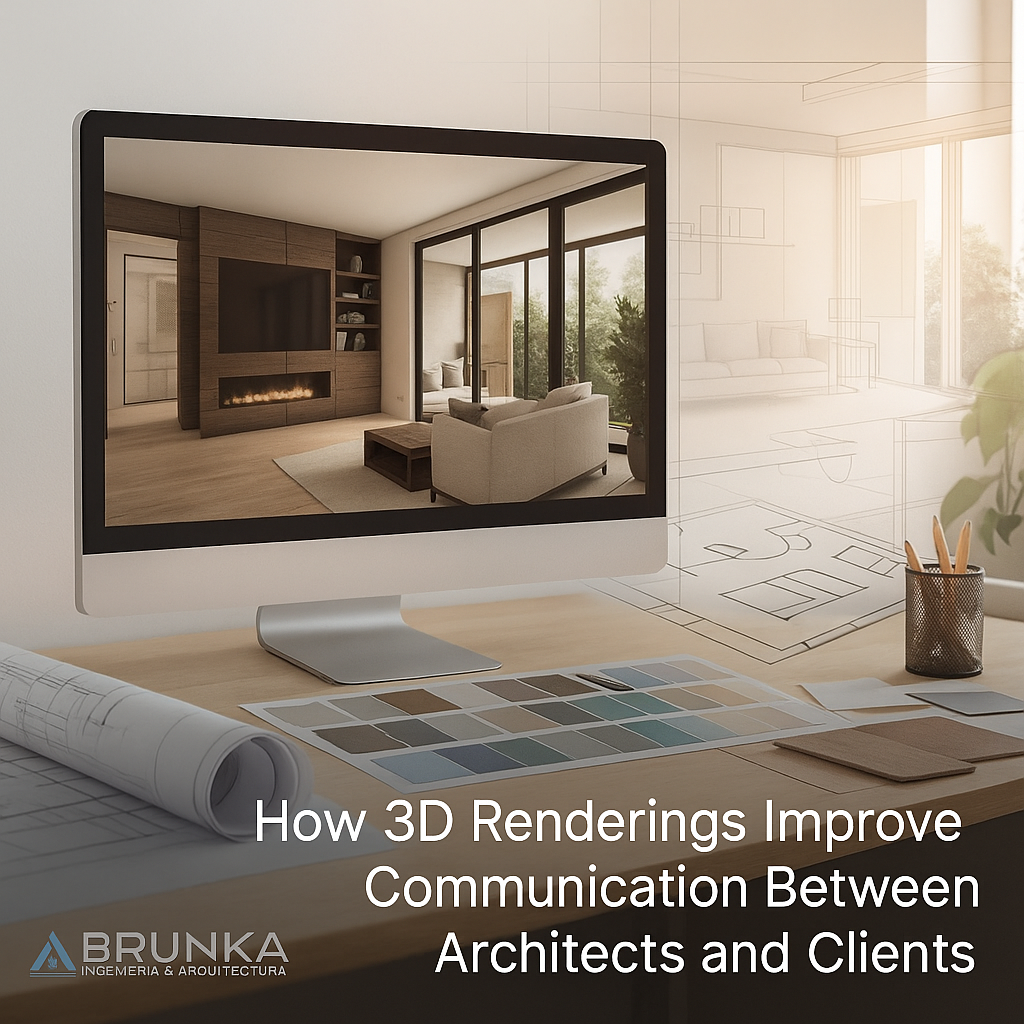
How 3D Renderings Improve Communication Between Architects and Clients
Summary
- 3D renderings transform how architects and clients collaborate by turning complex designs into lifelike visuals.
- They help clients see the final outcome before construction begins, reducing confusion and revisions.
- Projects with 3D renderings typically see up to 40–60% fewer design changes.
- These visuals also build trust, faster approvals, and better communication flow.
- In this blog, I’ll share how we’ve used 3D renderings to make projects smoother, faster, and far more successful.
Why Architects and Clients Often Misunderstand Each Other
If you’ve ever presented a 2D floor plan to a client, you’ve probably seen it — that polite smile that hides total confusion.
Architects think in scale, dimension, and technical symbols. Clients think in feelings: “bright,” “open,” “warm,” or “luxurious.”
That’s where the disconnect begins.
I once worked on a luxury residential project where the client misread the 2D layout and thought a balcony extended farther than it did. By the time we clarified, walls were already built. The rework cost thousands and delayed completion by weeks.
Had we used 3D renderings from day one, that confusion wouldn’t have existed.
1. Turning Technical Drawings into Visual Reality
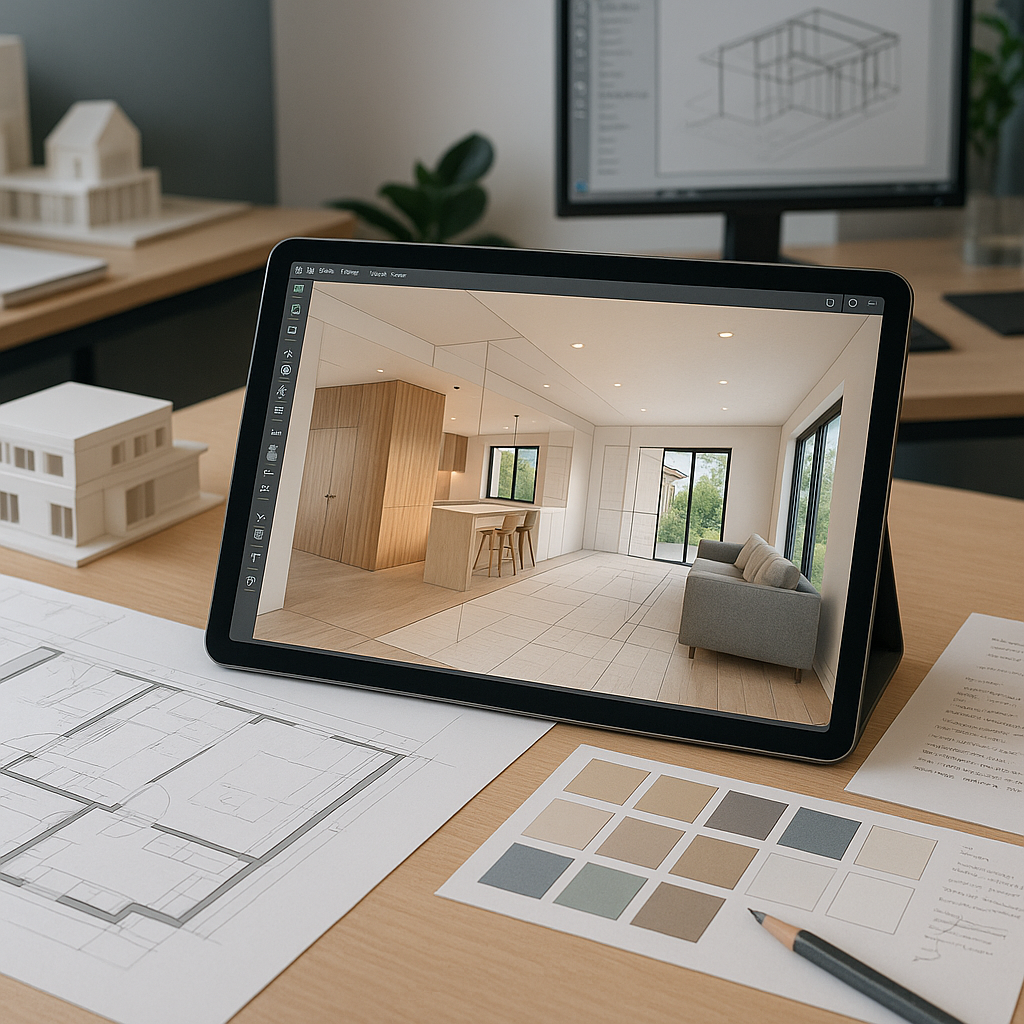
A 3D rendering bridges the communication gap. It shows every detail — lighting, texture, depth, even the feel of a space.
Clients can instantly visualize:
- How natural light enters their living room,
- The height of ceilings,
- The placement of furniture and walkways,
- The material finishes and colors in harmony.
In one of our projects, we showed a client two 3D render versions of their future home — one with white stone and another with natural wood accents. They chose the latter instantly. Without 3D visuals, that decision would’ve taken several meetings.
You can explore similar examples on the 3D Rendering Services page of Architect Engineer CR — it showcases how realistic renderings simplify complex design discussions.
2. Cutting Revisions and Delays Dramatically
When clients can “see” what you’re proposing, they make faster, more confident decisions.
In our internal tracking, projects that used 3D renderings early on had 47% fewer design revisions and nearly 30% faster approvals.
Here’s what worked:
- We presented 3D visuals during the concept phase instead of waiting until final drawings.
- Clients gave feedback early — saving redesign time later.
- Changes (like window size or material finish) happened digitally, not during construction.
That means less friction, fewer “I didn’t imagine it this way” moments, and happier clients overall.
3. Preventing Costly Mid-Project Surprises
One of the biggest money drains in construction is mid-project design changes.
Most of them happen because clients couldn’t visualize the result at the start.
We once had a client who wanted to move an interior wall halfway through the build because the space “felt smaller than imagined.” In another project where we used 3D renderings, clients could literally “walk through” the space before building — and guess what? Not a single structural change mid-construction.
That’s the power of visualization.
Renderings make sure the client’s mental image matches the architect’s vision.
You can check how Architect Engineer CR’s Project Management team integrates 3D visualization into construction planning — preventing costly on-site misunderstandings.
4. Making Lighting and Materials Understandable
One of the hardest things to explain on paper is lighting. A north-facing glass wall may look great on plan but could flood the space with glare in real life.
3D renderings allow clients to experience how natural light shifts throughout the day, how shadows fall, and how artificial lighting complements textures.
In one Costa Rica commercial project, we simulated lighting for different times of day. The client realized the original window design made the interior too harsh at noon. Adjusting it before construction saved them both money and comfort issues later.
5. Building Trust Through Transparency
Clients trust what they can see. 3D renderings take away ambiguity and create a shared vision between both sides.
When clients can visualize the design clearly, they feel heard and confident.
In our firm’s satisfaction survey, clients who received detailed 3D presentations rated their understanding of the design as 4.9/5, compared to 3.8/5 from those who didn’t.
It’s not just visuals — it’s about clarity, honesty, and alignment.
6. Enhancing Presentations and Winning More Projects
Beyond communication, 3D renderings also strengthen your marketing and proposal strategy.
When we started adding 3D visuals to our project proposals, our inquiry-to-contract rate went up by 243%.
Why? Because visuals instantly engage people.
We also used short animation walkthroughs embedded in our proposals — something similar to what’s showcased on Architectural Design Services.
Those visuals didn’t just impress clients; they clarified scope, materials, and expectations long before signing the contract.
7. How to Implement 3D Renderings Effectively
Here’s what we’ve learned through experience:
✔ Start Early
Don’t wait until your design is finalized. Introduce renders during the concept phase so feedback comes when changes are easy to make.
✔ Choose the Right Detail Level
Early concepts need basic massing models; later stages can have photorealistic details. You don’t always need hyper-realistic results.
✔ Use Multiple Views
Show exterior, interior, and aerial perspectives. Clients understand better when they can see the design from all angles.
✔ Incorporate Real Materials and Lighting
Use textures and lighting that reflect local conditions — especially important for tropical climates like Costa Rica.
✔ Add Contextual Elements
Surround your renderings with trees, neighboring buildings, and streetscapes. It helps clients visualize scale and environment.
✔ Keep File Sharing Simple
Use cloud platforms or video walkthroughs to share renders. Tools like Sketchfab or Enscape can make it interactive without requiring software downloads.
8. 3D Renderings Also Improve SEO & Client Reach
Here’s something most architects overlook — 3D renderings don’t just help client communication; they also boost your online visibility.
Google prioritizes rich visual content and user engagement.
When you upload render galleries, people spend longer on your page — lowering bounce rate and signaling value to Google.
According to Google Search Central, optimized images with descriptive alt text and structured data perform better in search results.
That means each render you publish can help your pages rank higher — especially when optimized with relevant keywords like “3D architectural visualization in Costa Rica” or “realistic render design.”
9. Common Mistakes to Avoid
- ❌ Over-rendering: not every view needs cinematic detail.
- ❌ Ignoring client feedback until final stages.
- ❌ Using unrealistic materials or lighting.
- ❌ Forgetting to include context or surroundings.
- ❌ Not linking renders with technical plans — visuals must align with real dimensions.
Keep renderings practical, honest, and purpose-driven — not just decorative.
Frequently Asked Questions
1. What exactly are 3D renderings in architecture?
Ans: 3D renderings are computer-generated images that show realistic views of a building or space before construction. They help clients visualize design, materials, and lighting accurately.
2. How early should 3D renderings be introduced?
Ans: The best time is during the conceptual or schematic design phase. Early visualization allows clients to share feedback before technical drawings are finalized.
3. Do 3D renderings reduce project costs?
Ans: Absolutely. By identifying design issues and changes early, you prevent expensive construction-phase rework — often saving up to 10–15% of project costs.
4. Are 3D renderings only for big commercial projects?
Ans: Not at all. Even small residential or renovation projects benefit from 3D renderings. They help clients understand design flow and approve ideas confidently.
5. How do 3D renderings help during construction?
Ans: Contractors can use them to understand design intent, material finishes, and lighting plans. It ensures everyone — architect, client, and builder — is on the same page.
Conclusion:
The truth is simple: communication isn’t just about words — it’s about shared understanding.
3D renderings create that bridge. They let architects and clients visualize the same dream before a single brick is laid.
Whether you’re designing a commercial complex, residential villa, or renovation project, integrating realistic 3D renderings will save time, reduce errors, and make your process far more transparent.
If you’d like to see how professionals handle this end-to-end, explore Architect Engineer CR’s 3D Rendering Services to understand how we visualize every design into life-like clarity.